
Court booking software: organise padel and football-pitch rentals in Libya
A court rental reserves a physical asset for a period of time. In Numoo, an operator can create court resources, configure rental durations and prices, and let customers choose an available time. Each actual court needs an availability model that matches what the facility can deliver.
Before you start
- One court booked for 90 minutes must stay occupied for the full 90 minutes.
- Use the same calendar for online bookings and phone reservations.
- Separate booked hours, booking value and actual payments when reviewing performance.
Model the court, not the number of players
A group of players renting a pitch usually makes one reservation for the pitch. That is different from selling individual places in a coached class. Setting the wrong booking type can make capacity look larger than the facility really is.
Create separate resources for separate courts. If two differently named services use the same physical court, link them to that shared resource. A change of service name must not create another court in your calendar.
Make duration and price visible together
Rental setup supports minimum and maximum duration, an increment and a pricing mode. Configure the choices you actually offer. For example, a minimum of 60 minutes, a maximum of 120 and a 30-minute increment offers 60, 90 and 120 minutes.
Illustrative pricing only: at 80 LYD per hour, 60 minutes costs 80 LYD, 90 costs 120 LYD and 120 costs 160 LYD before applicable offers or extras. If you choose a flat-price mode instead, explain the package clearly and check the customer preview.
| Duration | Example hourly rate | Example service amount |
|---|---|---|
| 60 minutes | 80 LYD/hour | 80 LYD |
| 90 minutes | 80 LYD/hour | 120 LYD |
| 120 minutes | 80 LYD/hour | 160 LYD |
Treat maintenance and phone promises as real capacity
Block maintenance, closures and times when the facility cannot operate. Record phone reservations in the same schedule before confirming the time to the caller. Online availability only reflects the bookings and rules stored in the system.
At a busy reception desk, agree on who records a reservation and who checks it. Sending a screenshot of yesterday’s timetable around a chat group will not keep today’s calendar current.
- Add each physical court as a resource.
- Create the rental service and link its usable courts.
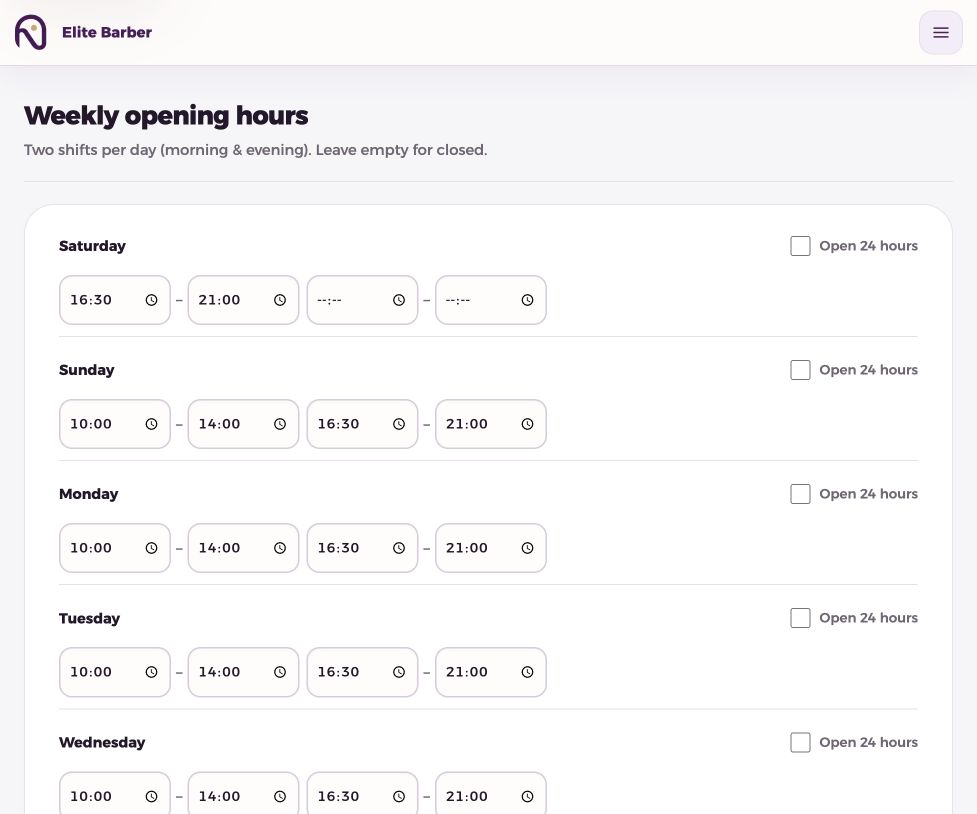
- Set duration options, working hours and closures.
- Verify two overlapping test choices cannot both reserve the same court.
- Cancel test bookings and share the public link.
Help customers find and manage their reservation
Keep the business location and service names clear, especially when your facility has several courts. The customer chooses an available slot and receives booking confirmation by SMS. A management link helps the customer act on the reservation within the configured rules.
Make cancellation and arrival expectations clear before the booking. An SMS confirmation establishes the reservation workflow; it does not prove a payment or guarantee attendance. The present customer flow uses payment in person.
Calculate occupancy with a denominator you can defend
For your own review, compare booked court-hours with the court-hours you genuinely made available. Example only: one court open for eight hours with six booked hours has 75% scheduled occupancy. Do not count closed maintenance hours as available capacity.
This is a calculation you can make from the schedule, not a claim that the dashboard already provides a full occupancy report. The existing dashboard’s booking counts and saved booking value answer different questions. Use them together with an accurate timetable and a separate payment record.
Common questions
Can I offer both 60- and 90-minute bookings?
Configure the rental minimum, maximum and duration increment to include the lengths you offer, then verify their prices in the customer view.
How is a rental different from a class?
A rental reserves a resource for a duration. A class sells places within a scheduled session with a capacity.
Will the calendar know about a booking made in WhatsApp?
Only after the team records it in the system. Sharing a booking link does not import chat conversations.
Put it into practice
This guide describes current product behaviour. Worked examples are illustrative, not customer results or performance guarantees.
Open the illustrated steps in the product guideMake the next step a practical one.
Set up one service and a clear schedule, then start with your business link.
Start your business page